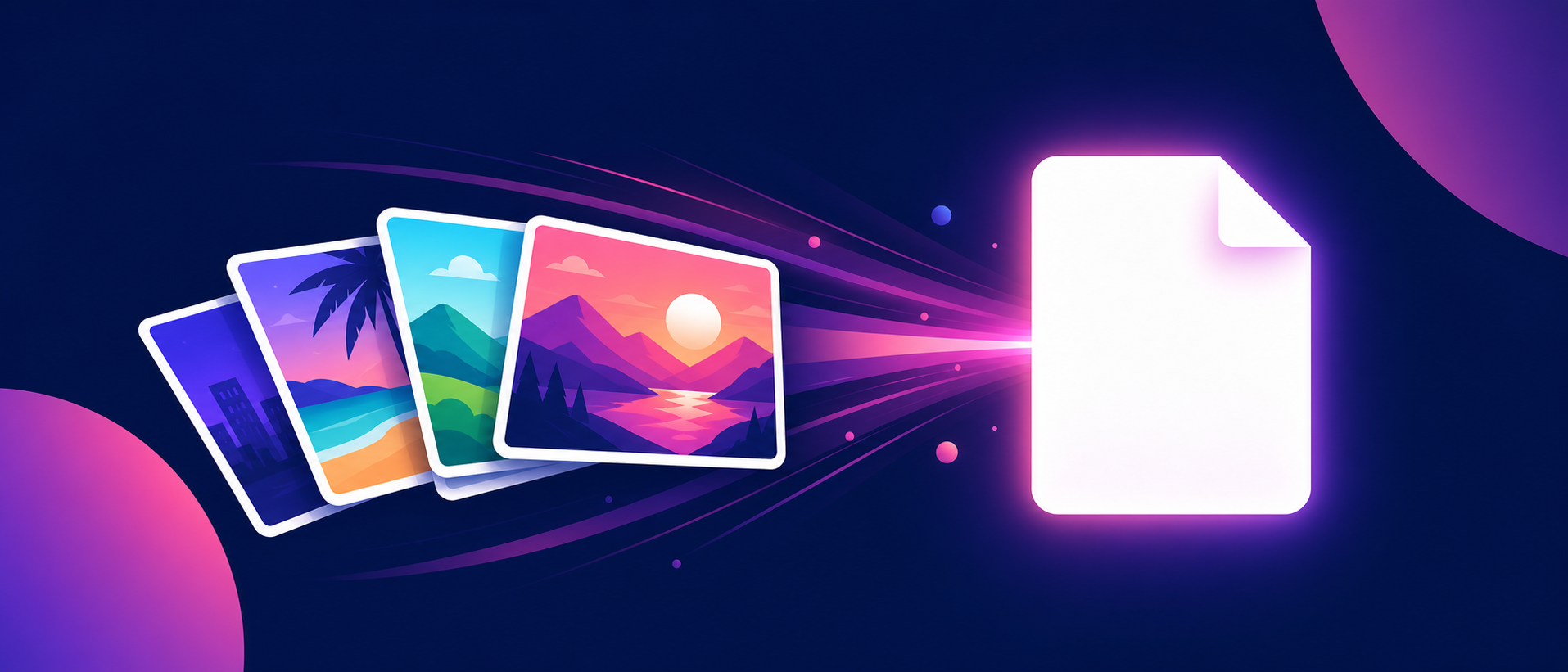
How to Convert Images to PDF in Seconds
How to Convert Images to PDF in Seconds
Why the PDF format wins every time
A PDF file looks the same on every phone and computer. Nobody needs a special app to view it. Loose images often arrive out of order or get lost in long chat scrolls. One tidy PDF keeps every picture safe in the exact order you chose.
Meet the friendliest converter online
Our tool builds your PDF right inside the browser. There is no software to install and no account to create. You open the page and the workspace is ready within a heartbeat. Even first time visitors find their way without any help.
Three easy ways to add pictures
Drag your files onto the large drop area. You can also click the area and browse your device. A third trick is copying any image and pressing the Ctrl and V keys. The tool accepts JPG PNG WebP GIF and BMP files with a smile.
Arrange the pages before you convert
Every picture becomes a numbered card in the list. Drag a card to a new spot to change its place. The small arrow buttons move items up or down one step at a time. The numbers always mirror the final page order.
Fix sideways photos in a moment
Some cameras save pictures in a rotated way. One tap on the round arrow button turns any image by ninety degrees. The page follows the new shape by itself so nothing ever gets cropped.
Pick the page size that fits the job
The default mode sizes every page to match its image. That gives borderless pages with a clean professional look. You can also select A4 or Letter when printing matters more. Portrait and landscape choices sit just one click away.
Balance quality and file size
A slider controls the margin around your images. Keep it at zero for full page pictures or raise it for a framed feel. The quality menu offers High Balanced and Compact presets. Photos usually look best on High while scans stay crisp on Balanced.
Press one button and relax
The Create PDF button does the heavy lifting. A small progress bar counts each page as it is processed. Your file downloads by itself the moment it is ready. A backup link stays on screen in case the download needs a second try.
Private by design
Everything happens on your own machine. Your images never travel to a server and never touch our storage. This makes the tool a safe home for family photos and private papers alike. Quiet tools that respect you are rare and worth keeping.
A small tool with a big heart
Converting images should never feel like a chore. This little page turns minutes of work into seconds. Give it a try with your next batch of pictures and enjoy the calm that follows.

Written by image-to-pdf
image-to-pdf.gitapp.si · 27 Aug 2026
Welcome to Image to pdf — image-to-pdf.gitapp.si. Here I share guides, articles and updates. Thanks for visiting!
Related Posts
Leave a Comment
No comments yet — be the first to comment!